mirror of https://github.com/Box-boi/vubuntu.git
 Evan Ferrao
c59dd698ed
Evan Ferrao
c59dd698ed
- Add The New Changes While Building The `Dockerfile.heroku` Instead Of Using A fork of `vital987/vubuntu`. I'm Lazy To rebuild and upload to docker lol. People Not Deploying On Heroku Will Have To Rebuild The Image As Per `Dockerfile.heroku`. Heroku Is Simply More Fun lol. 1- Add Some Additional Packages 2- A Backup Of The Current State Of The VPS, Would Be Taken, And Saved To The CLoud(Which Could Be G-Drive, Onedrive, or any service that supports rclone). 3- This Backup Would Essentially Run Every 30min and Keep The App-Data(and Some Additional Folders) in Sync Always. This Is done by taking a backup of `.cache`, `.vscode`, `documents`, `downloads`, `.bashrc`, `.ssh`, `.config` etc; And Uploading Them to the cloud every 30min. 4- Users Are Free To Choose Which Folders Would be backed-up, However, a default config would be provided, that would backup all possible data. |
||
|---|---|---|
| assets | ||
| .gitignore | ||
| Dockerfile | ||
| Dockerfile.heroku | ||
| LICENSE | ||
| README.md | ||
| app.json | ||
| heroku.yml | ||
VNC + Ubuntu = Vubuntu ¯\_ツ_/¯






Table of Contents :
Available Options :
- Latest: Full version of vubuntu with utilities, additional installed languages (Java & Go) & optional packages.
- Minimal: Minimal version with only required packages, see next section for more info.
- PureVNC: Full, direct VNC access without noVNC.
- PureVNC-Minimal: Minimal, direct VNC access without noVNC.
Packages :
- •: Available in minimal version
- Browsers :
- Shells :
- Coding :
- Text Editors :
- Office Suite :
- Social Apps :
- Utilities :
- Languages Installed:












Screenshots :
Laptop/Desktop
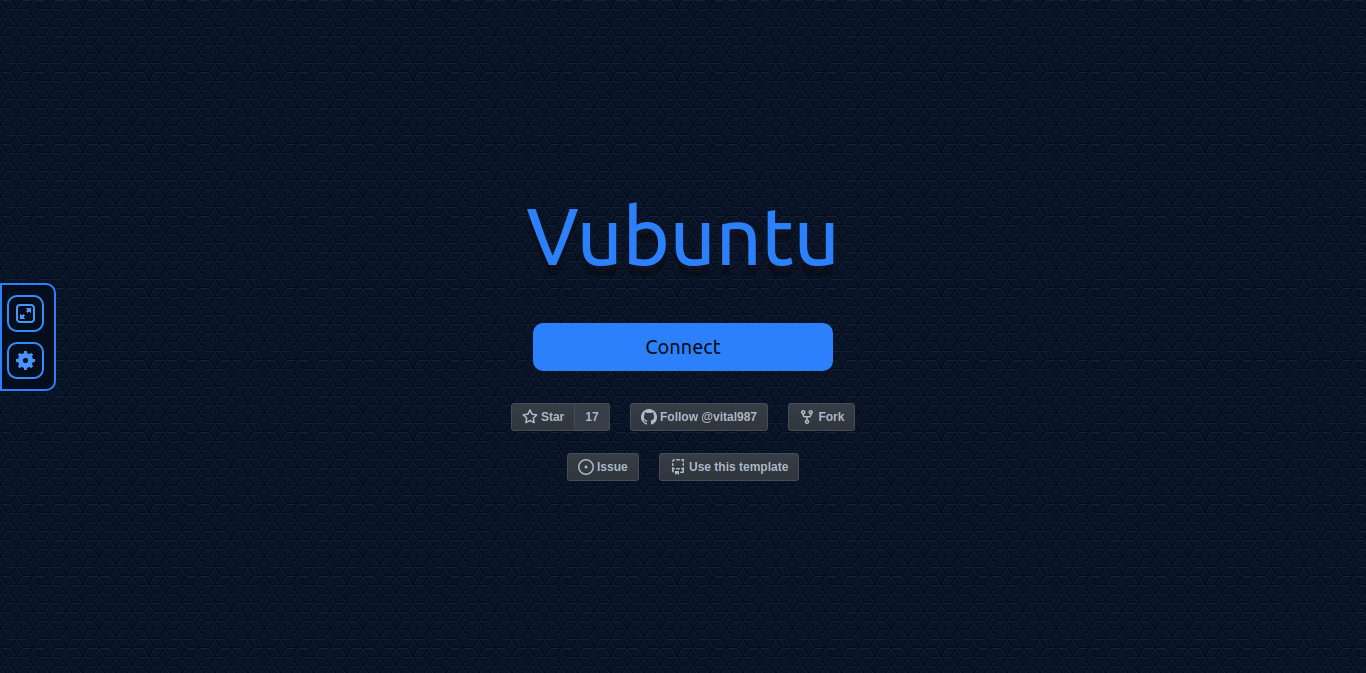
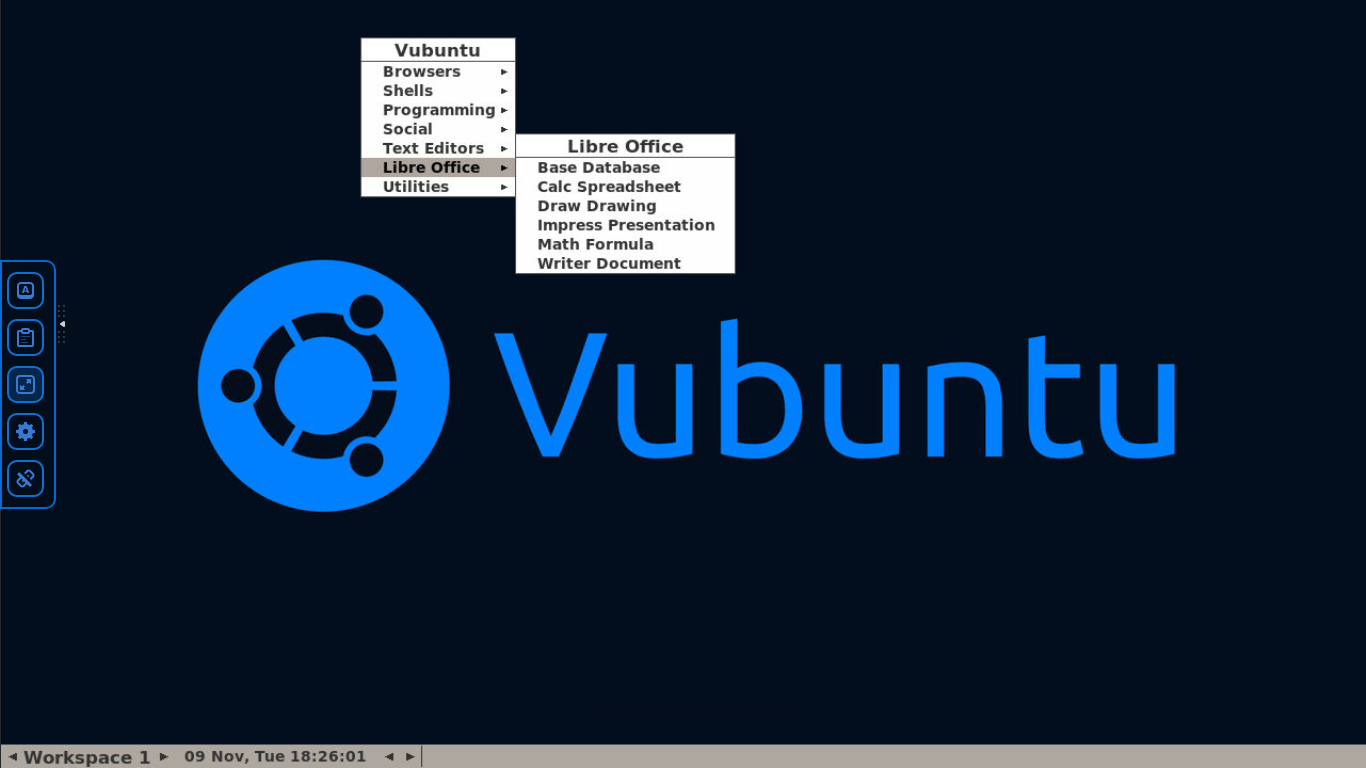
Smartphone/Tablet
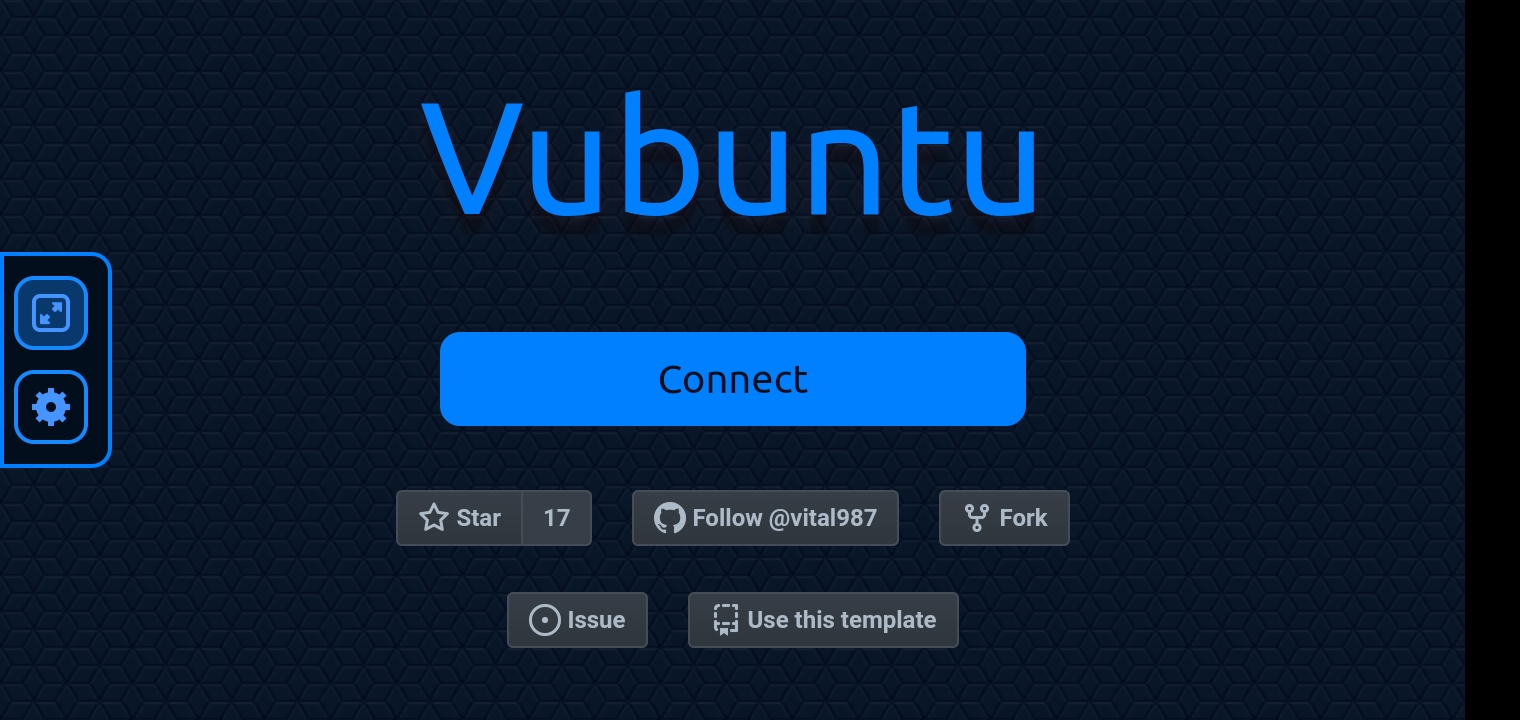
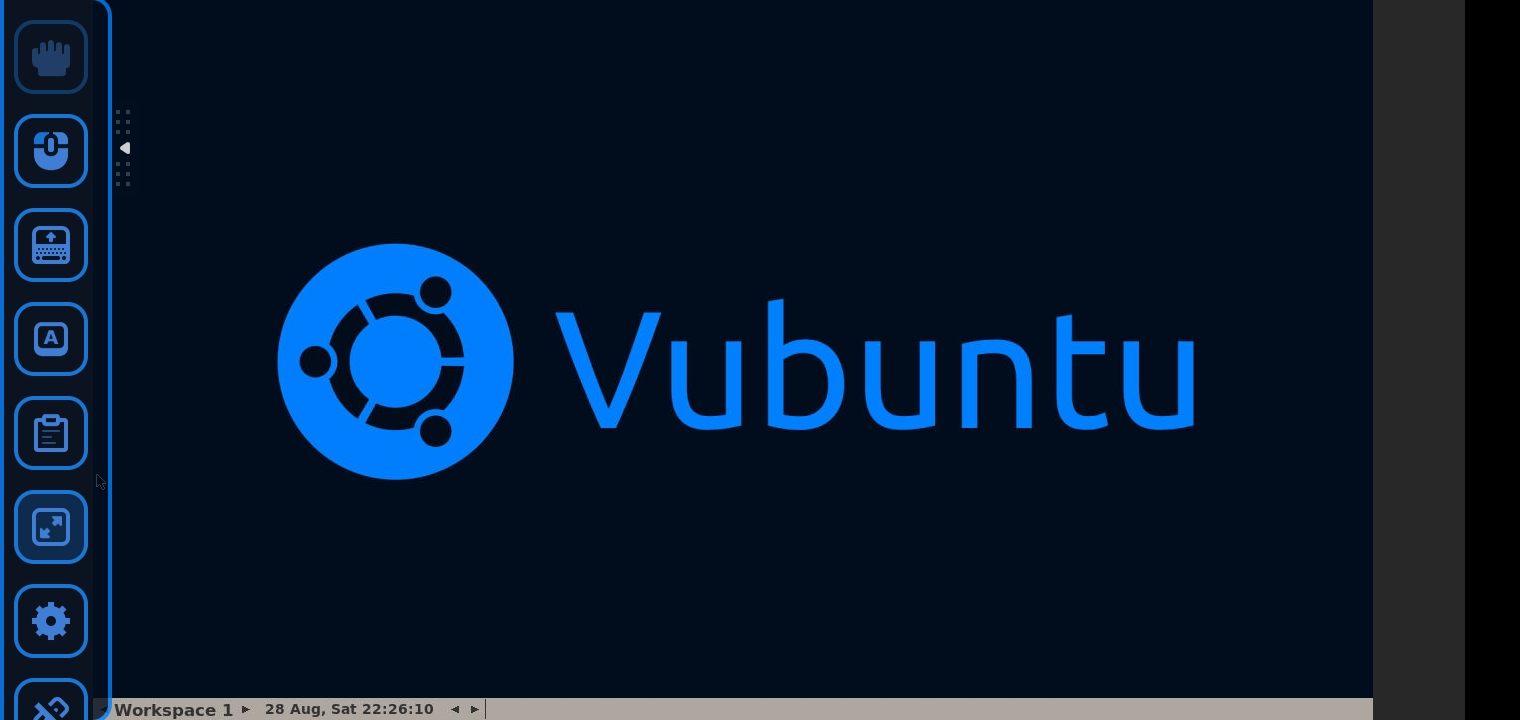
Environment Variables :
| VNC_PASS | VNC Server Password |
|---|---|
| VNC_TITLE | VNC Session Title |
| VNC_RESOLUTION | VNC Server Resolution |
| VNC_SHARED | VNC Shared Mode |
| DISPLAY | Display Server Port |
| PORT | NoVNC HTTP Port |
| NGROK_AUTH_TOKEN | Ngrok Token |
| NGROK_REGION | Ngrok Server Region (Only PureVNC) |
| SELF_BACKUP | Enable Backup Of App Data And App Cache Using Rclone, disabled by default |
| RCLONE_CONFIG_LINK | Your rclone.conf Pasted To gist.github.com[Raw Link Only]. To Generate rclone.conf, visit rclone.org/drive. [Required If SELF_BACKUP=1]. |
| BACKUP_SCRIPT_LINK | Backup Script Which Specifies Which Folders Are To Be Synced By Rclone. Default Value Is Provided, And Performs A Complete Backup |
| APP_NAME | Name of Heroku app |
| NO_SLEEP | Prevent Heroku app from sleeping, disabled by default |
| BRAVE_USE_SHM | Usage of /dev/shm for Brave |
Installation :
- Heroku Users :
- Click on Deploy Now button.
- Set the app name & variables.
- Deploy.
- Manual Method :
- Edit & Run Command :
docker run --name vubuntu \ -e VNC_PASS="samplepass" \ -e VNC_TITLE="Vubuntu" \ -e VNC_RESOLUTION="1280x720" \ -e DISPLAY=:0 \ -e PORT=9870 \ -d -p 8080:9870 \ vital987/vubuntu:latest - noVNC Web-UI will be accessible on port 8080
- Edit & Run Command :
Some More Info About Self Backup Feature And Rclone Feature :
- 1- A Backup Of The Current State Of The VPS, Would Be Taken, And Saved To The CLoud(Which Could Be G-Drive, Onedrive, or any service that supports rclone).
- 2- This Backup Would Essentially Run Every 30min and Keep The App-Data(and Some Additional Folders) in Sync Always. This Is done by taking a backup of
.cache,.vscode,documents,downloads,.bashrc,.ssh,.configetc; And Uploading Them to the cloud every 30min. - 3- Users Are Free To Choose Which Folders Would be backed-up, However, a default config would be provided, that would backup all possible data.
Warnings :
- [ ! ] VNC_TITLE & VNC_PASS values should be without spaces.
- [ ! ] The whole project runs as a root user and non-sandboxed chromium in a docker container.
- [ ! ] Using VNC/Remote Desktops are strictly prohibited/banned on many free platforms.
- [ ! ] Deploy/Use at your own risk & responsibility!